Free · No uploads · No sign-up
Free tools for musicians and creators
Make visualizers, lyric videos, album covers, thumbnails, Spotify Canvas loops and soundwave art; convert audio, make ringtones and change a song's pitch, tempo, bass and EQ; generate app icons; and find any song's BPM and key — right in your browser. Everything runs on your own device, so your files never leave it.
See it in action
A quick tour: music visualizer, thumbnails, soundwave art and 3D keychains, slowed + reverb, and image compression — all running in the browser.
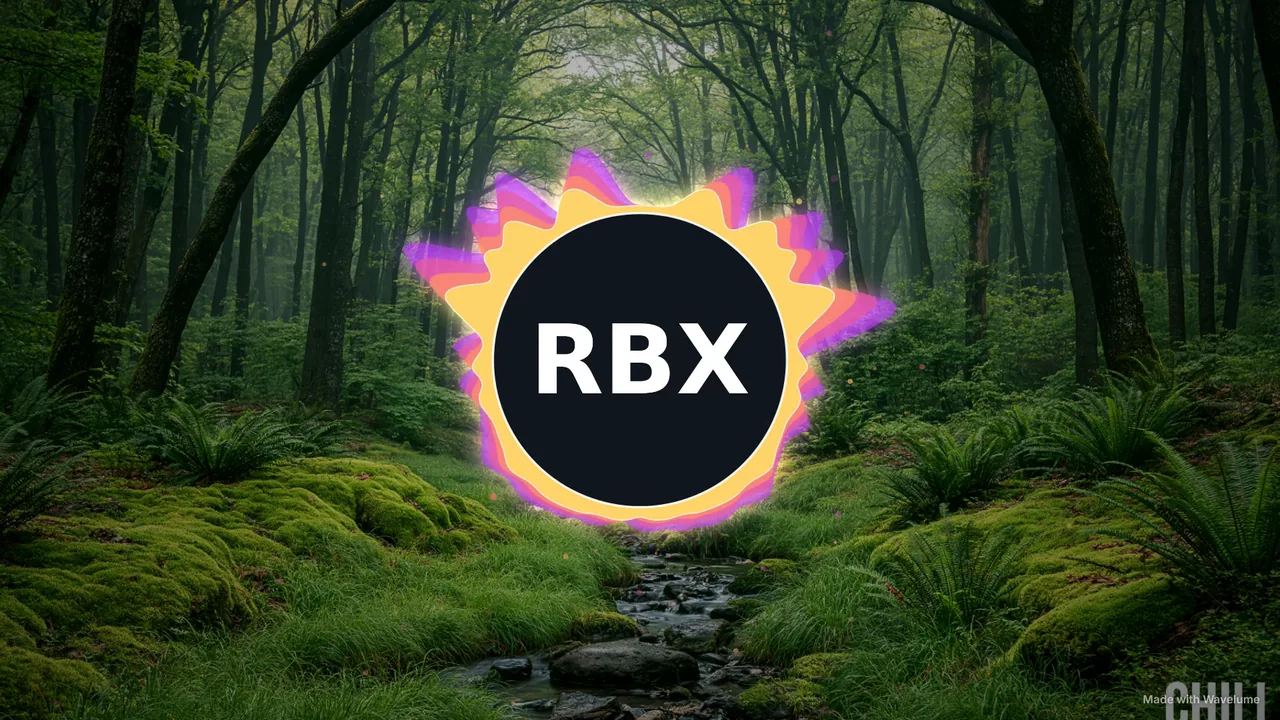
Music Visualizer
Spectrum rings around your logo, lofi rain on the window, synthwave terrain, VHS and 25 spectrum styles — exported as MP4 up to 4K 60 fps.
- YouTube up to 4K
- Shorts, Reels & TikTok
- Lofi scenes
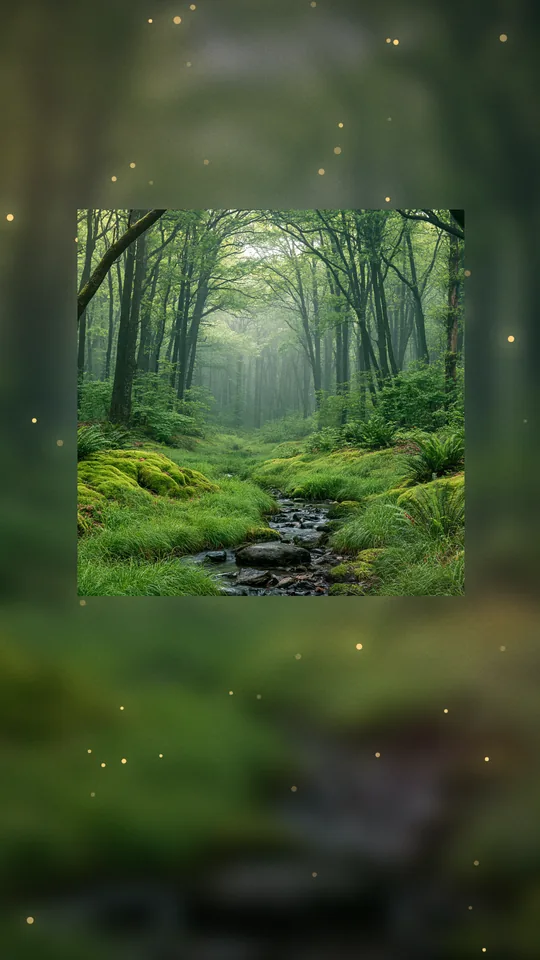
Spotify Canvas Maker
Seamless 3–8 second vertical loops from your track and cover art, sized for Spotify with the player area marked so nothing gets covered.
- Seamless loops
- 1080×1920 MP4
- Best part picked for you
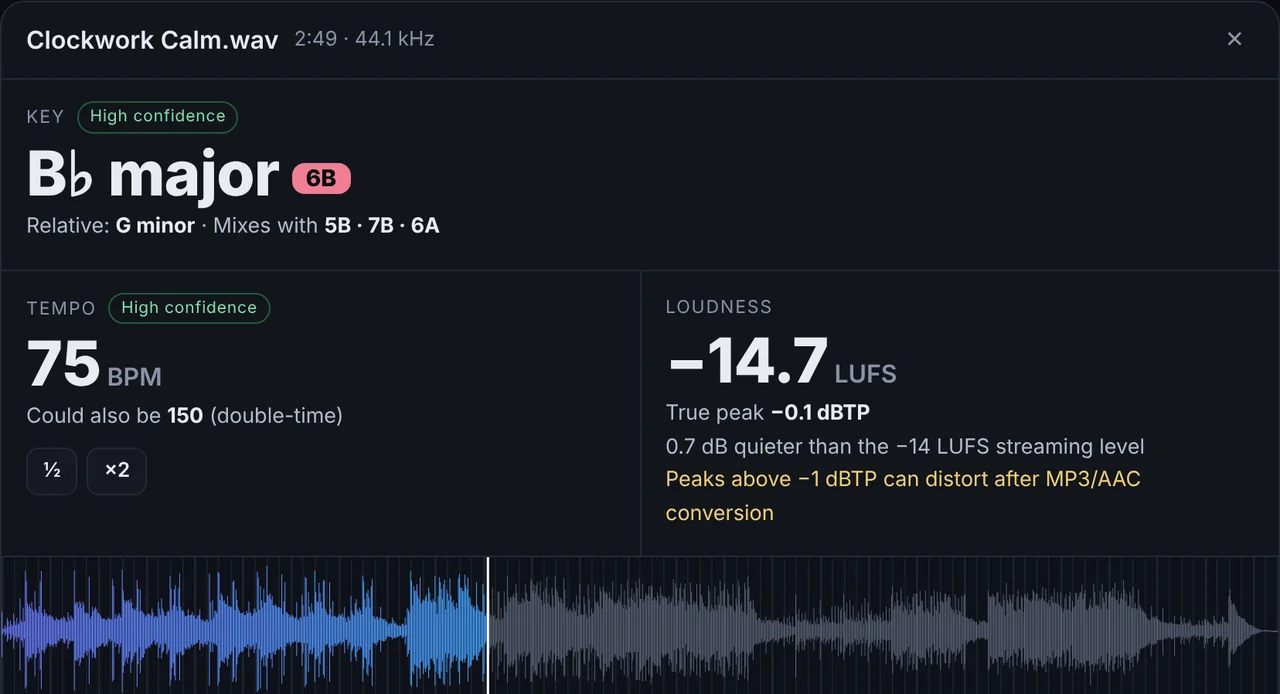
BPM & Key Finder
Drop in songs to get their tempo, musical key, Camelot code and loudness. Check the beat with a click track, or tap the tempo yourself.
- BPM & beat grid
- Key + Camelot
- LUFS loudness
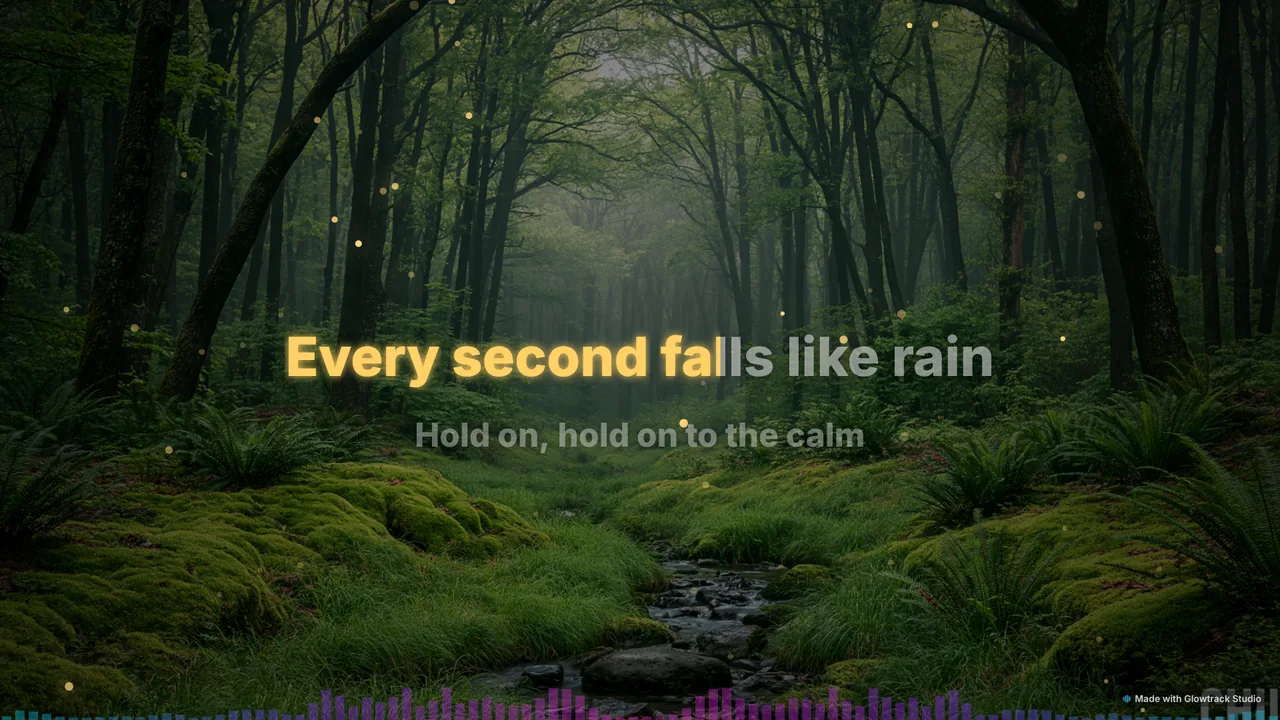
Lyric Video Maker
Paste your lyrics, tap along to sync them, and export a lyric video with karaoke highlighting, scrolling lines or bold Shorts captions.
- Tap-to-sync
- LRC & SRT import
- 6 lyric styles
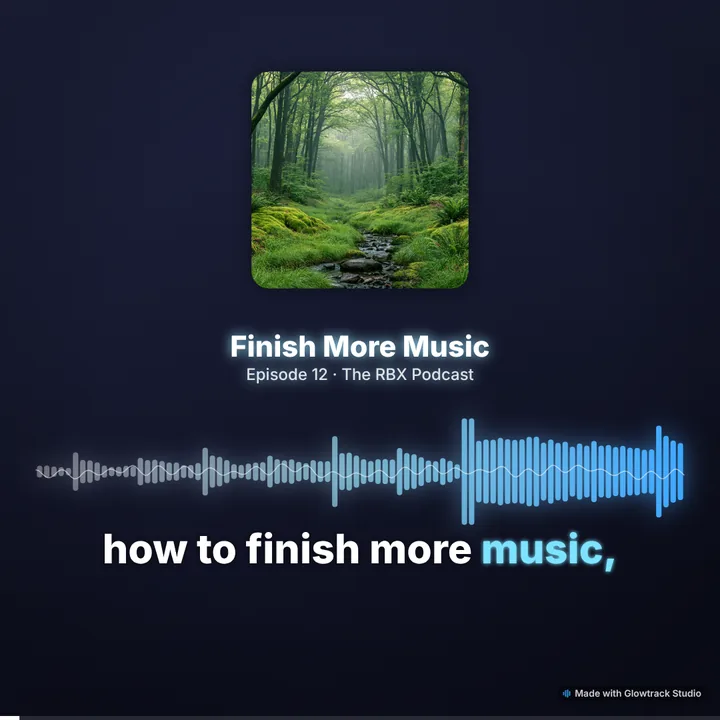
Audiogram Maker
Turn podcast moments into share-ready clips with your cover art, an animated waveform and word-by-word captions.
- Animated captions
- SRT / VTT import
- Square & vertical
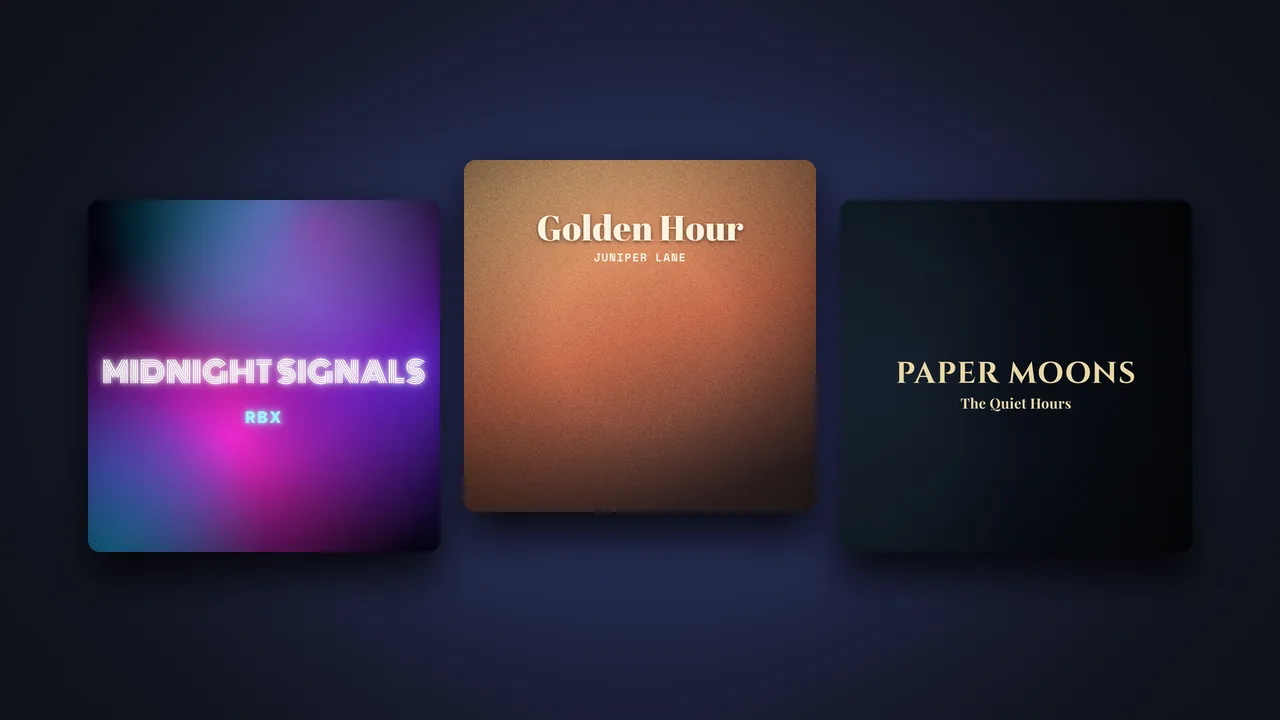
Album Cover Maker
Design 3000 × 3000 cover art for Spotify, Apple Music and distributors — templates, your photo or generated backgrounds, 15 fonts and film effects.
- 3000 × 3000
- Templates & fonts
- Rule checks
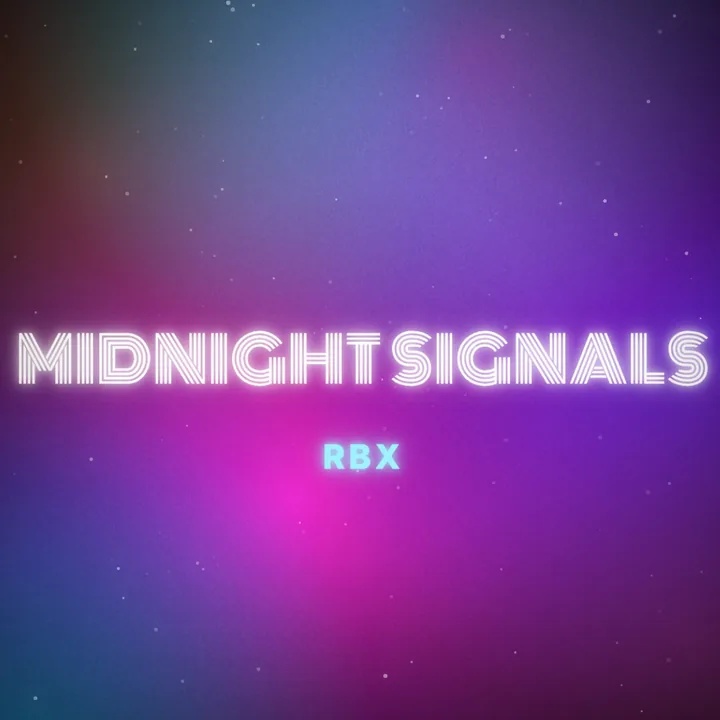
Animated Cover Art
Bring your cover to life with drifting light, dust, rain or snow, and export seamless loops for Apple Music motion art and social posts.
- Apple Music sizes
- Seamless loops
- Music optional
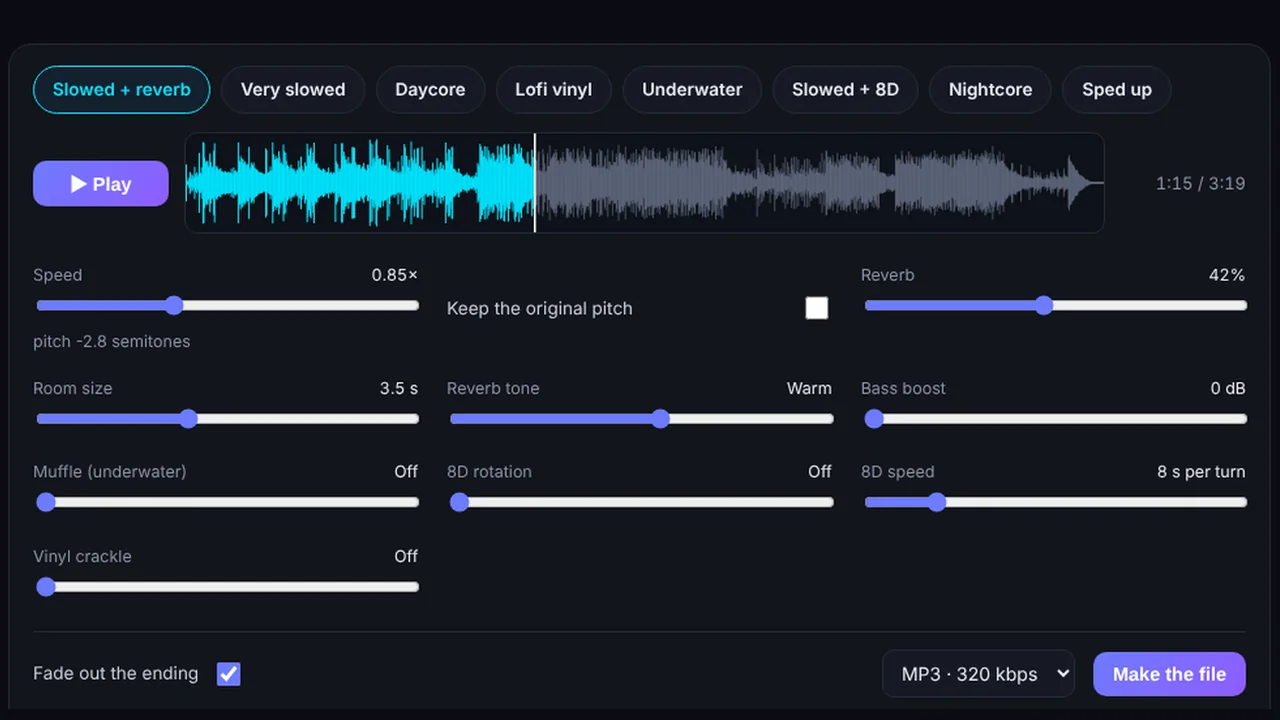
Slowed + Reverb Maker
Slowed + reverb, daycore, lofi and underwater versions of any song — or nightcore and 8D audio — previewed live and downloaded as MP3 or WAV.
- Live preview
- Nightcore
- 8D audio
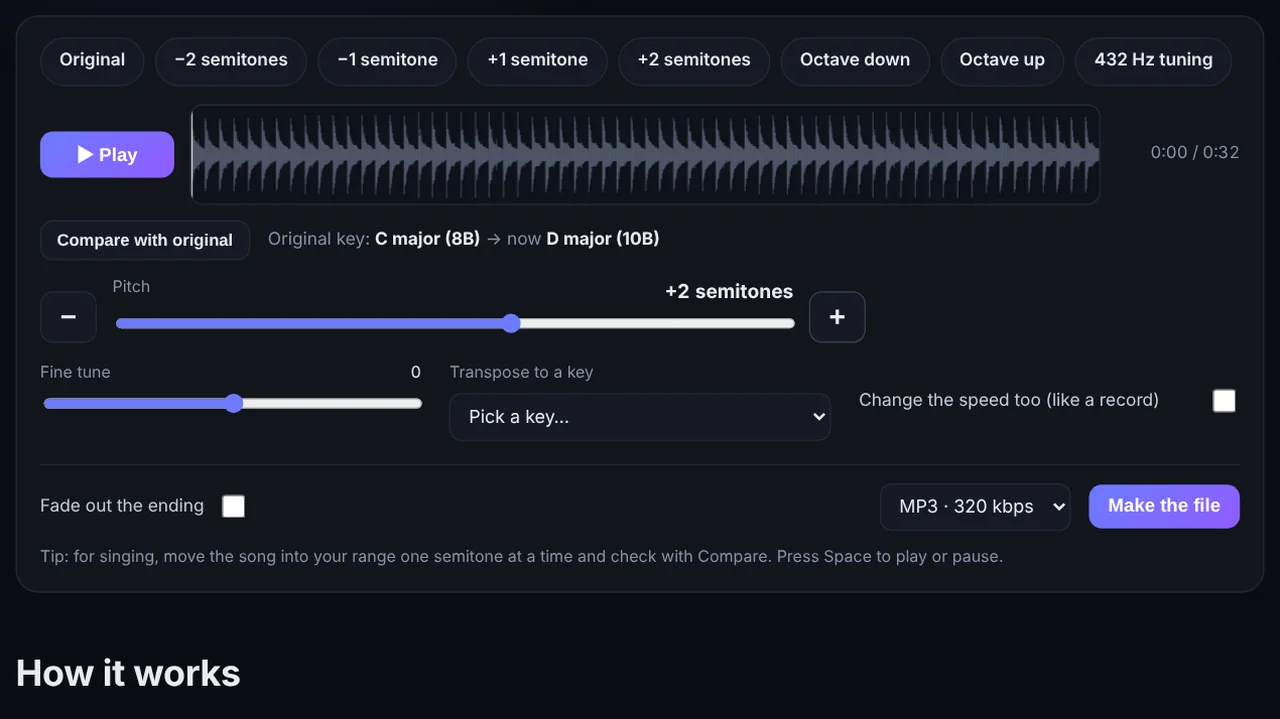
Pitch & Tempo Changer
Change the key of a song without changing its speed, or the tempo without changing its pitch — with key and BPM detected for you. Or play it backwards.
- Key detection
- Target BPM
- Reverse audio
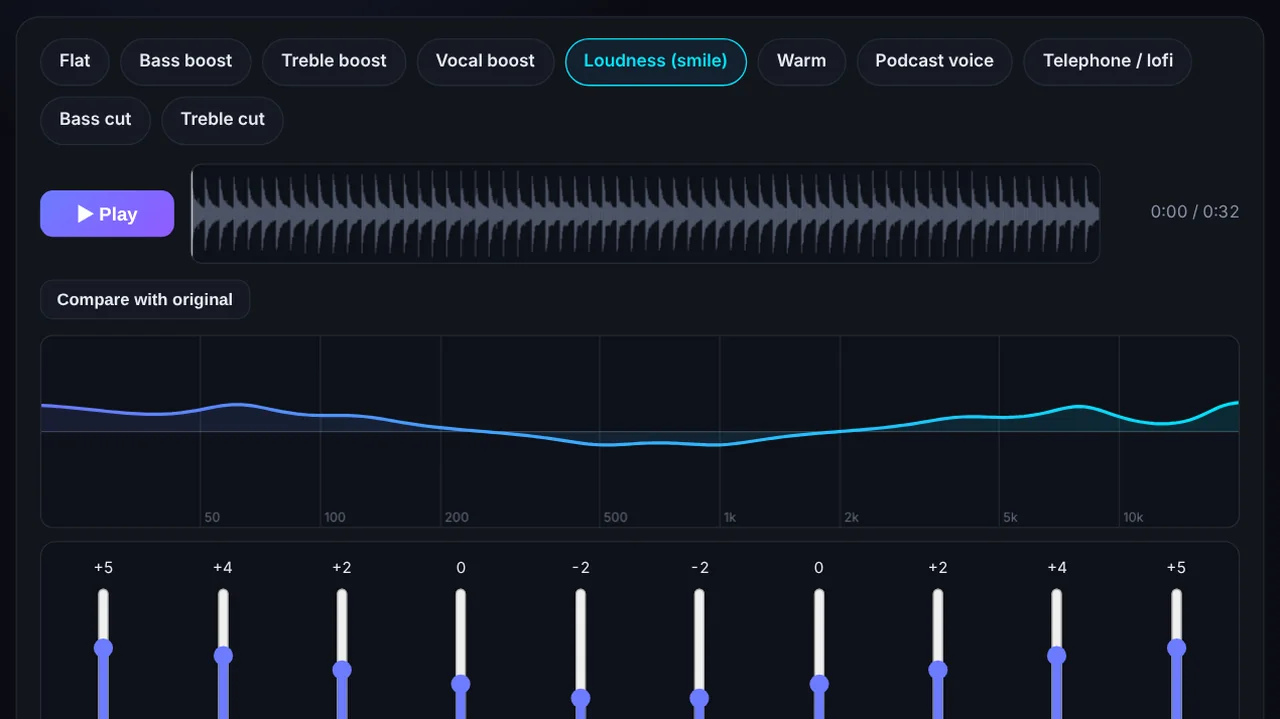
Bass Booster, Volume & EQ
A 10-band equalizer with presets, a bass booster and a volume booster that matches −14 LUFS — all with a limiter so nothing clips.
- 10-band EQ
- Bass boost
- Louder MP3
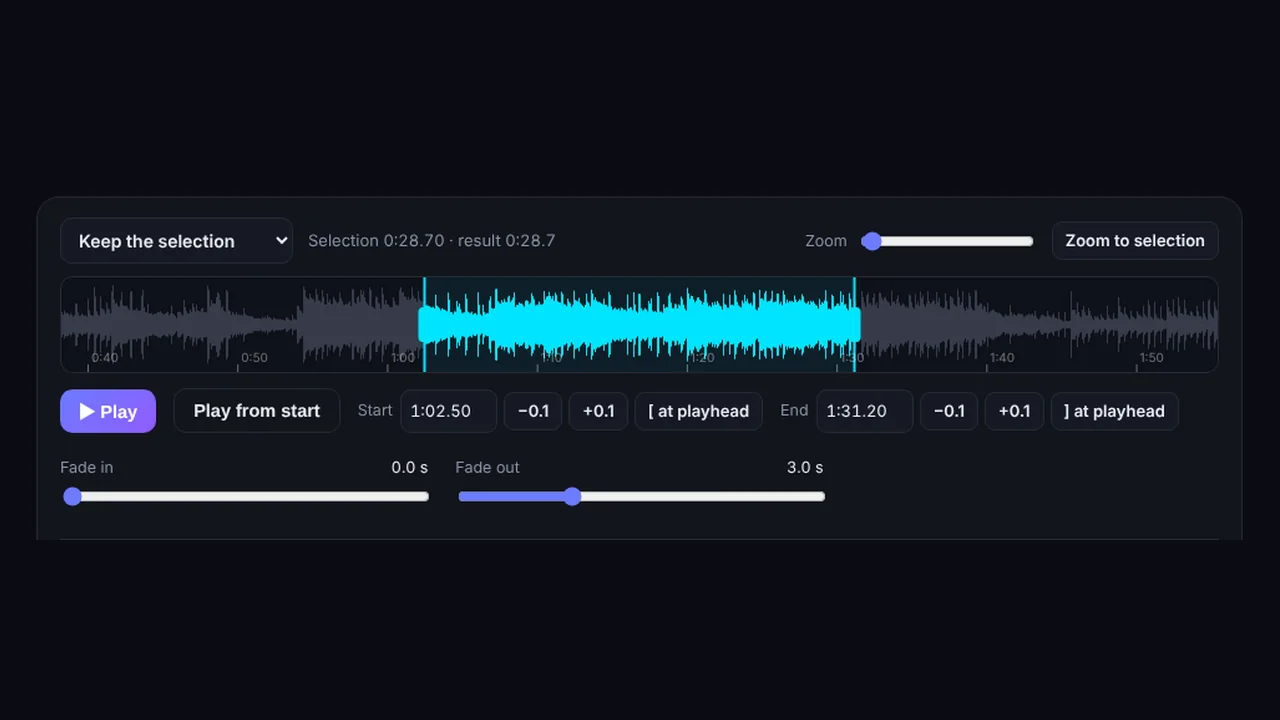
Audio Cutter & Joiner
Trim audio or cut a section out of the middle with a zoomable waveform — or merge several files into one, with crossfades and even volume.
- Cut MP3
- Merge files
- Crossfades
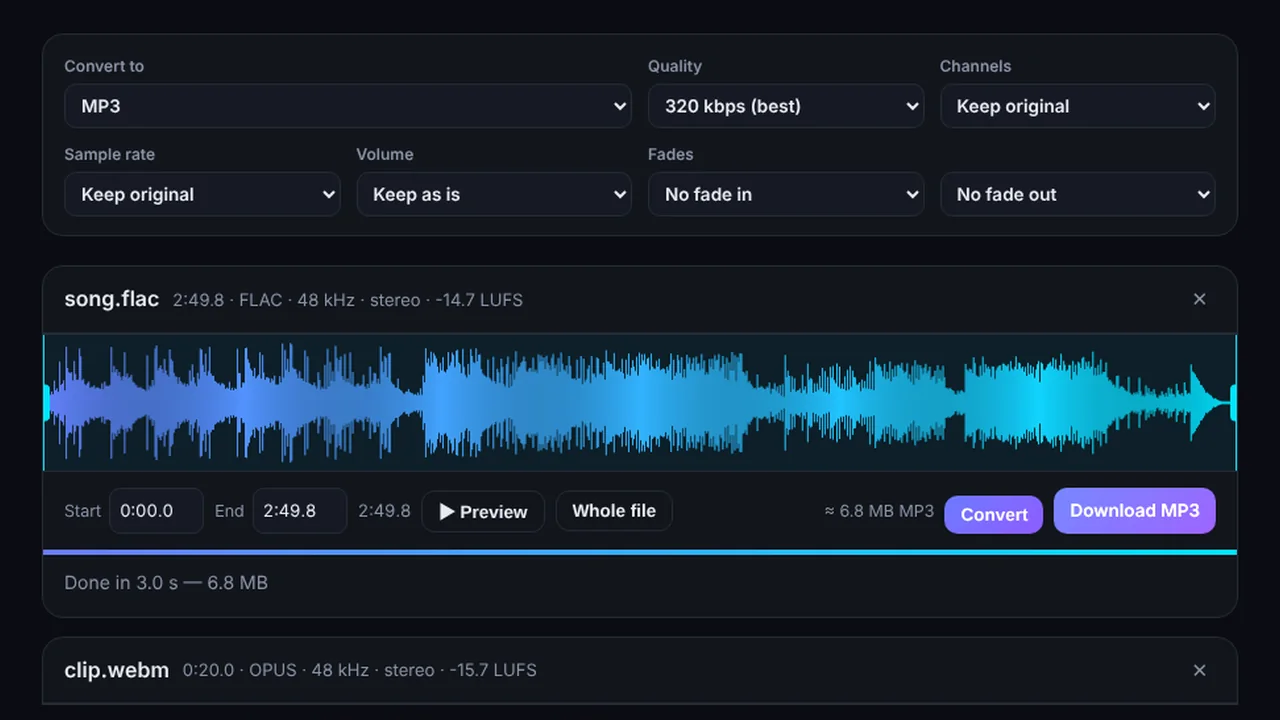
Audio Converter
Convert to MP3, WAV, M4A or OGG with trimming, fades and loudness matching. Also pulls the audio out of videos and makes iPhone and Android ringtones.
- Batch convert
- Video to MP3
- Ringtones
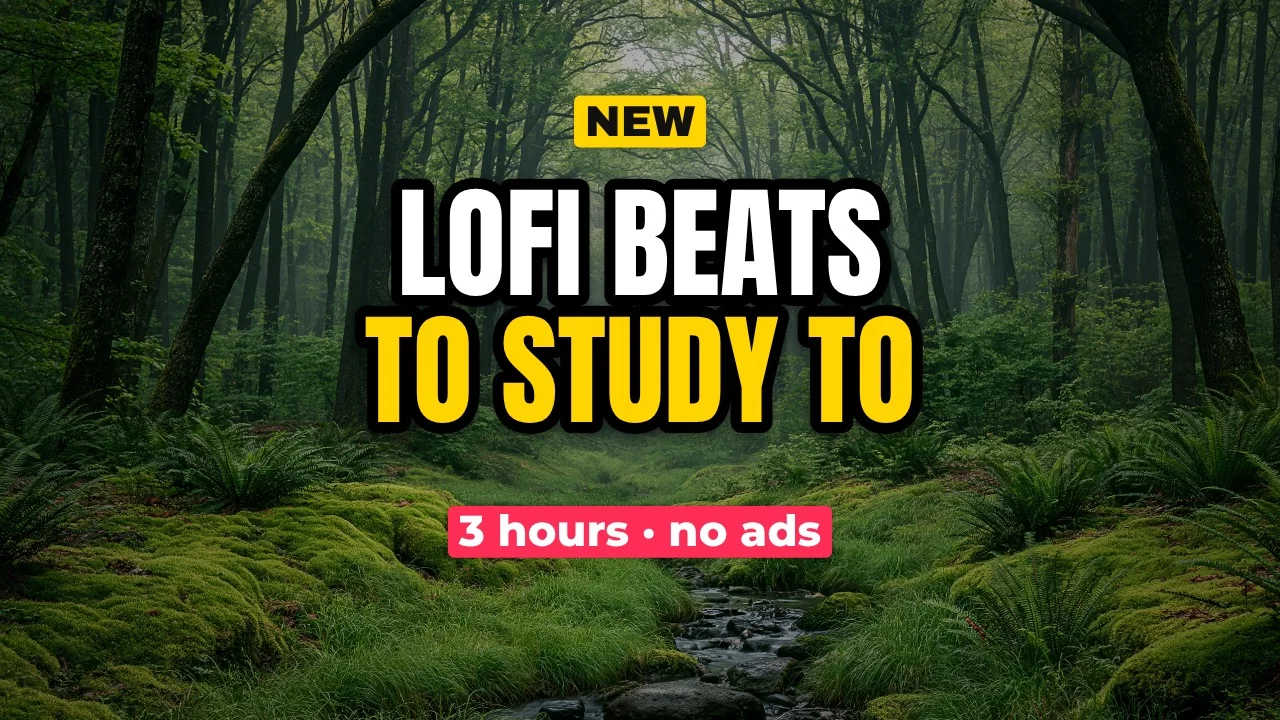
Thumbnail & Post Maker
YouTube thumbnails and posts for Instagram, stories, X, Facebook and Pinterest — bold outlined text, cut-out photos and safe-area guides.
- YouTube 1280×720
- 7 sizes
- Templates
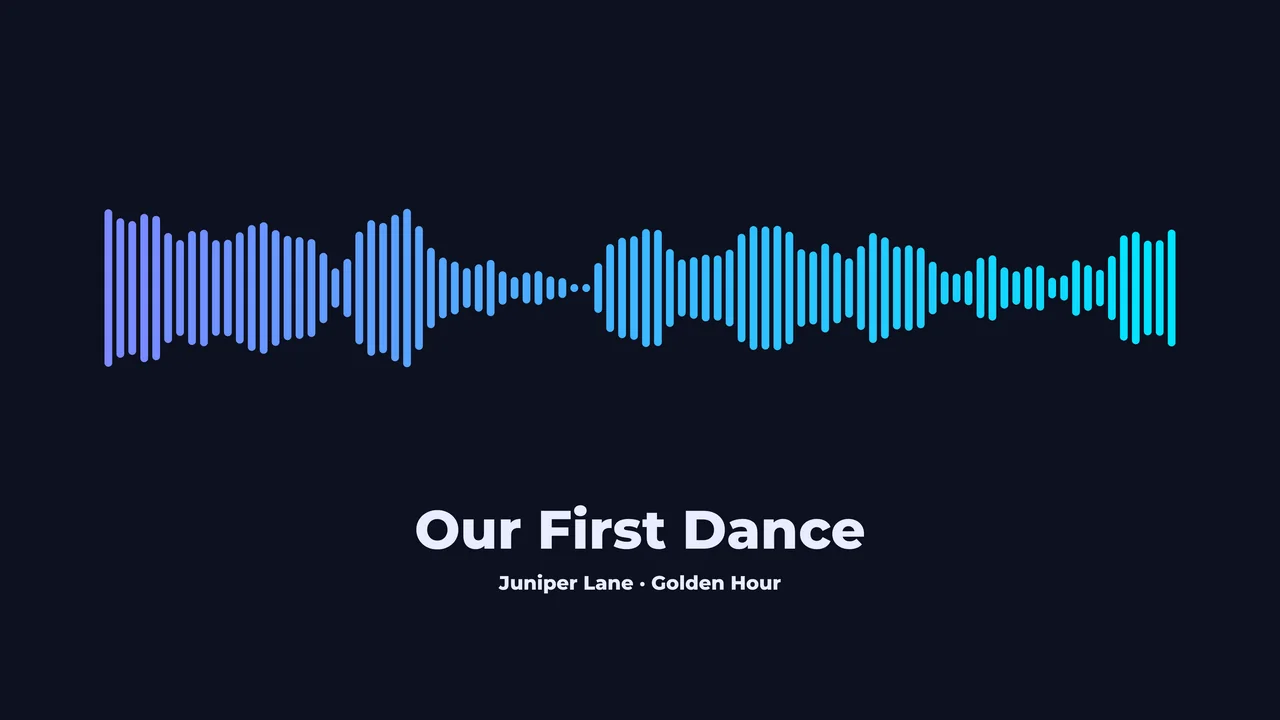
Soundwave Art
Turn a song or voice message into a print-ready waveform poster, or a 3D-printable soundwave keychain or plaque.
- PNG & SVG posters
- STL for 3D printing
- Gift ideas
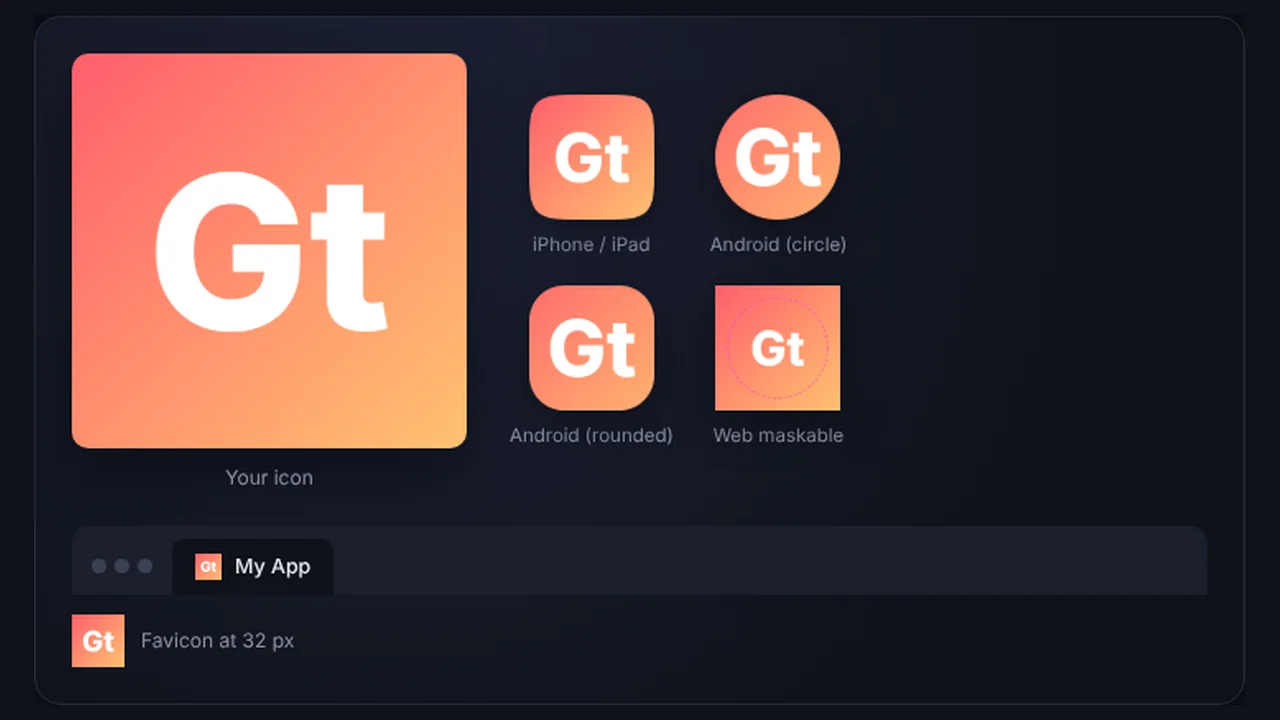
App Icon Generator
Every icon size for iOS, Android and the web from one image — Xcode AppIcon set, adaptive icons, Play Store icon and favicons in one ZIP.
- iOS & Android
- Favicons & PWA
- Letter icons
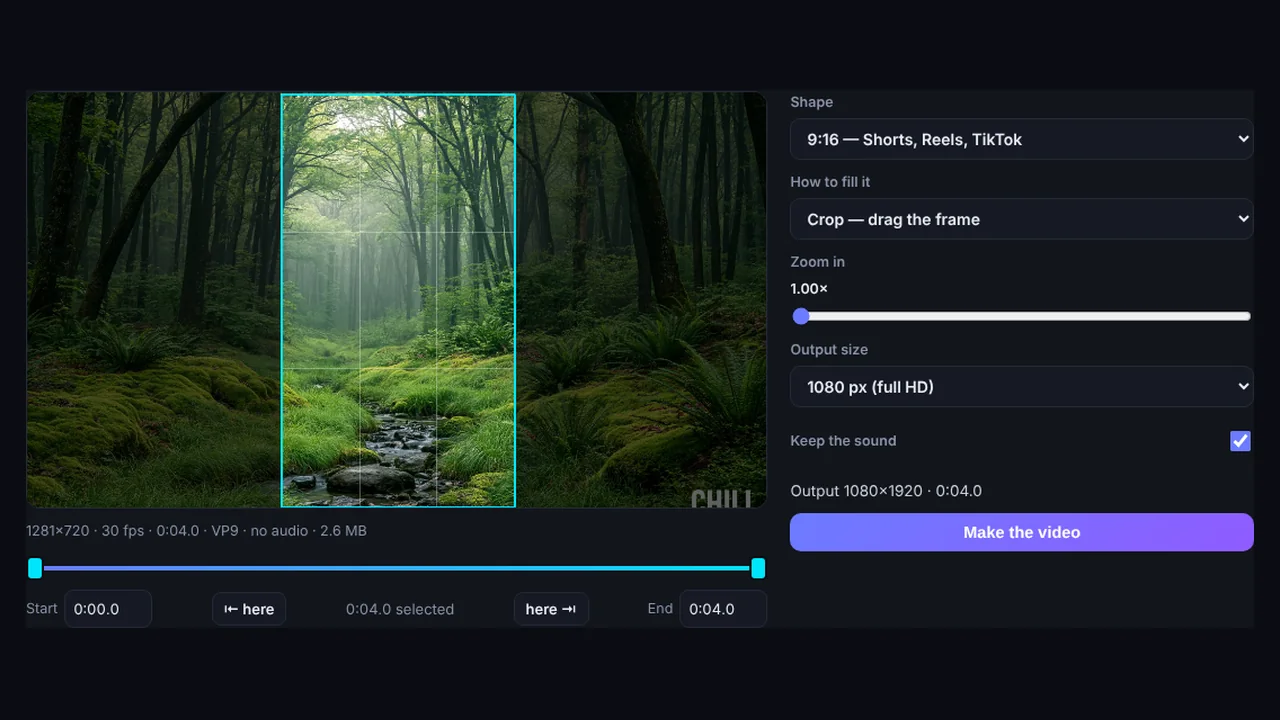
Video Tools
Turn gameplay and streams into facecam + gameplay Shorts, crop any video to vertical 9:16, compress it for Discord or email, or make a GIF.
- Gaming Shorts maker
- Crop to 9:16
- Compressor & GIF
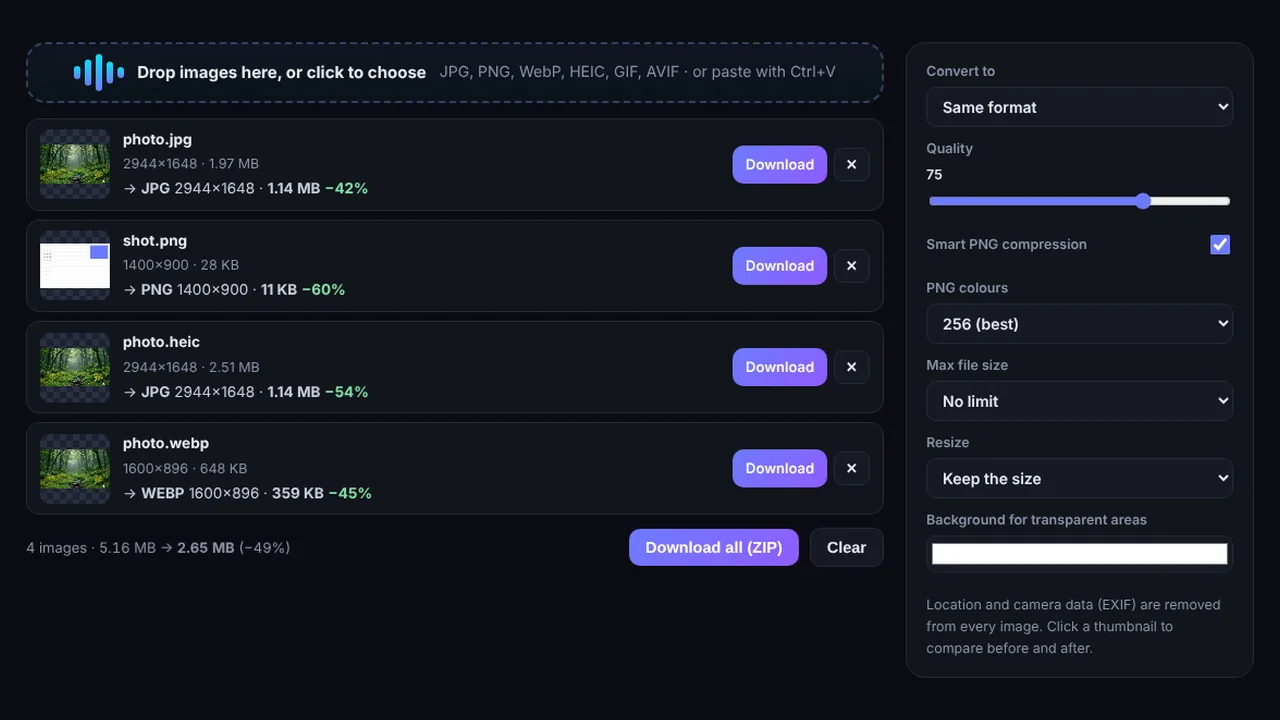
Image Tools
Convert JPG, PNG, WebP and iPhone HEIC photos, compress images to an exact size, and resize whole batches — with before-and-after comparison.
- HEIC to JPG
- Compress to 200 KB
- Batch resize
More tools on the way
New tools for musicians and creators are in the works. Got an idea for one you'd use? Tell us.
Guides
FAQ
Are the tools really free?
Yes. Every tool is free to use with no account. The site is funded by the advertising shown on the page.
Are my songs and images uploaded?
No. The tools run entirely inside your browser, on your own hardware. Your files are never sent to a server, and your settings are saved only in your browser.
Which browser works best?
Google Chrome or Microsoft Edge on a desktop or laptop. They can save long exports straight to a file. Other browsers can preview, and many can export shorter videos.
Can I use the videos commercially?
The videos you export are yours to use on your channel, in ads or anywhere else. Just make sure you have the rights to the music, images and logos you put into them.
Is there a watermark?
Videos get a small "Made with" badge in the corner by default, and you can switch it off in the settings. Spotify Canvas loops have it off from the start.
Who makes Glowtrack Studio?
Glowtrack Studio is made by Roobixx Interactive, an independent Australian studio.